- Login into your account
- Click domains
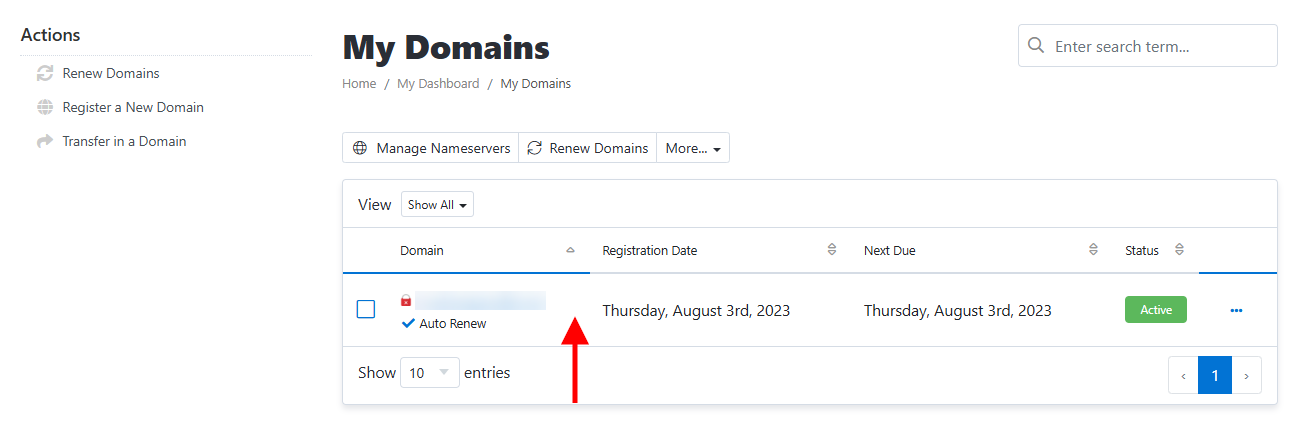
- Click on the domain you want to manage.
- Click Registrar Lock and set the Registrar Lock Status to Off if its not already.

- Check and edit Your Contact Information making sure you have access to the email address where your domain information will be sent.
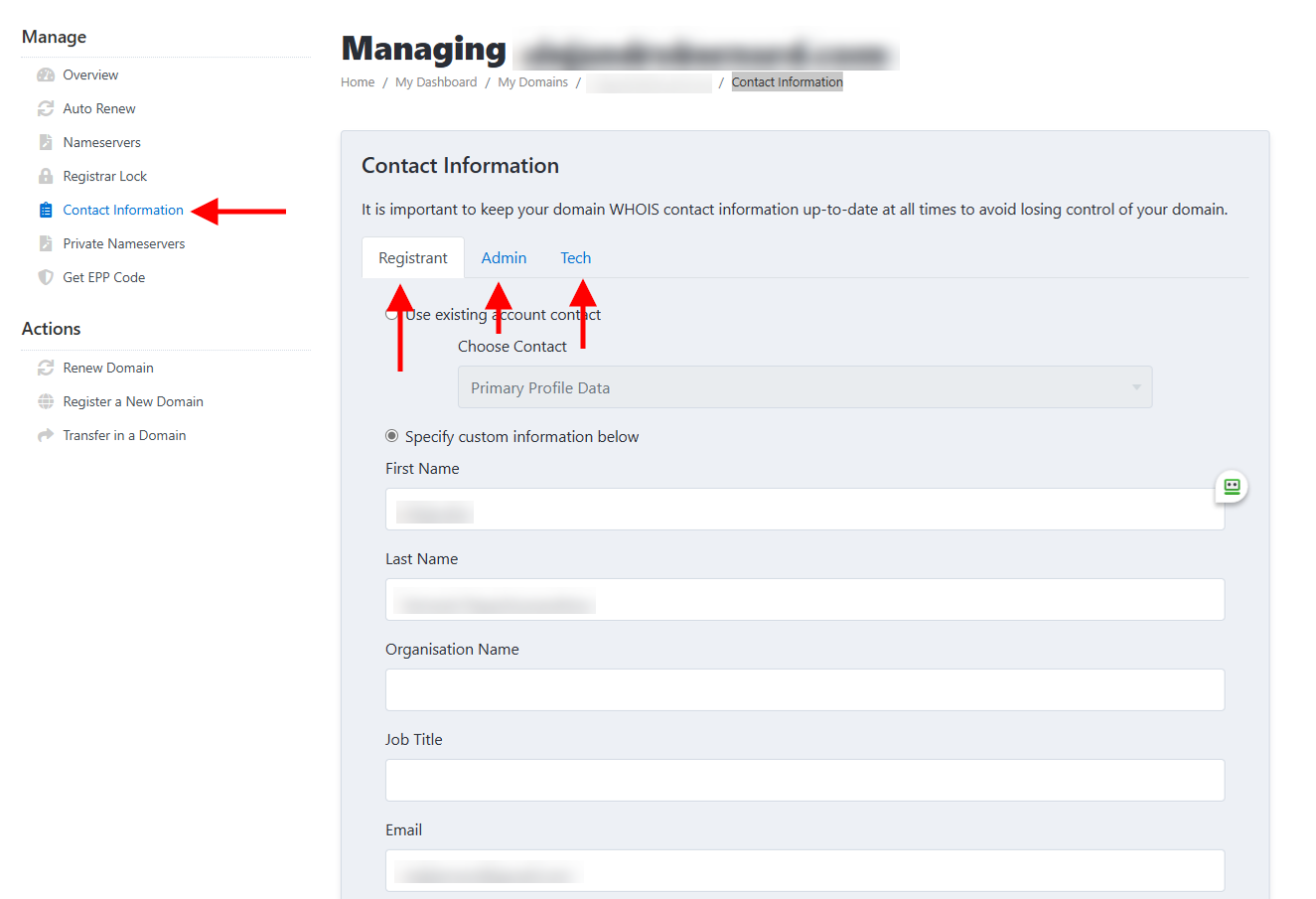
- Click Get EPP Code

- Find your EPP Code in your email specified in the contact info from step 5. Use that to transfer your domain to a new registrar. Your new registrar should have information about transferring a domain in.
Note: An EPP code (also known as an Authorization code, Authorization transfer code, transfer code, auth code, etc.) is a code provided here when transferring a domain name to a different registrar.